
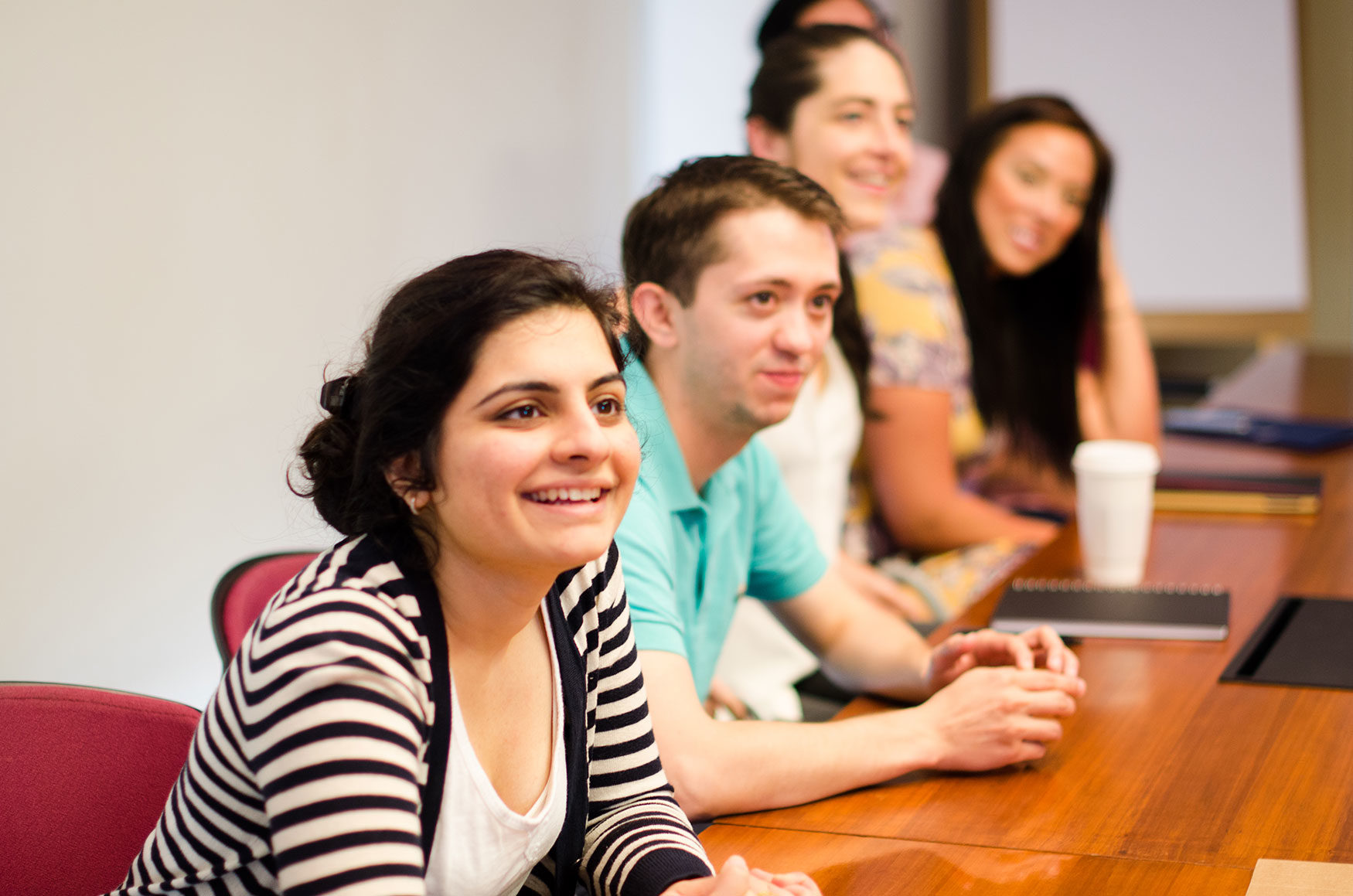
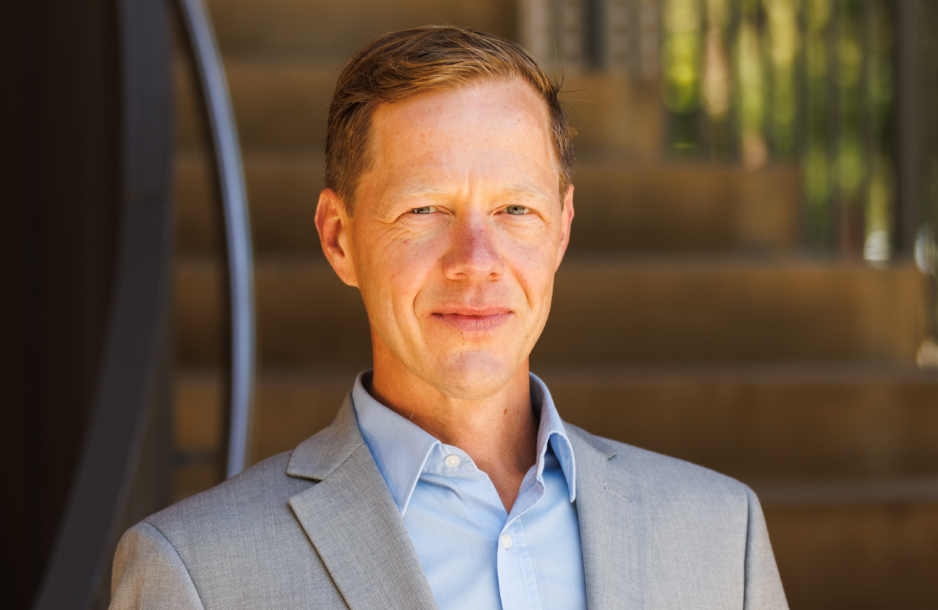
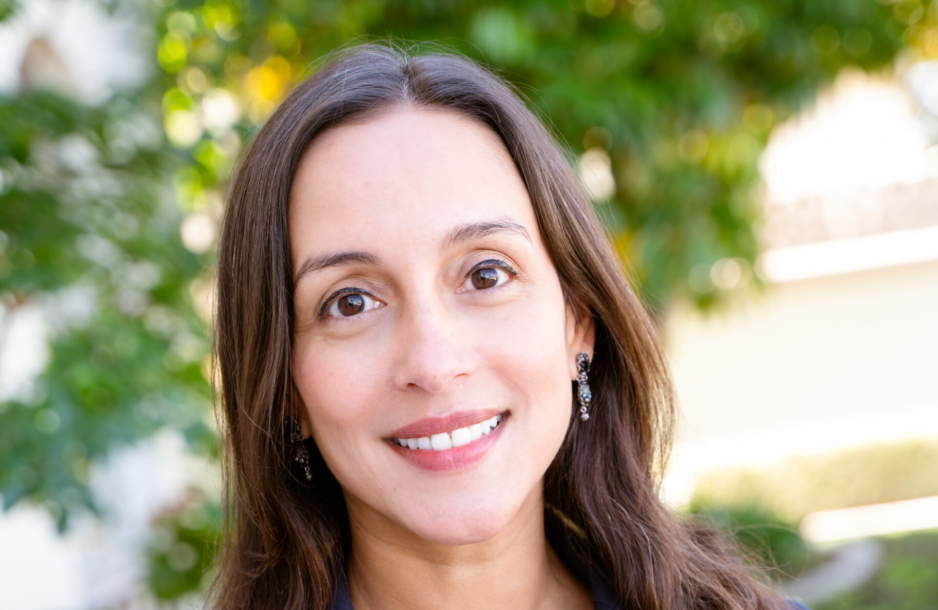
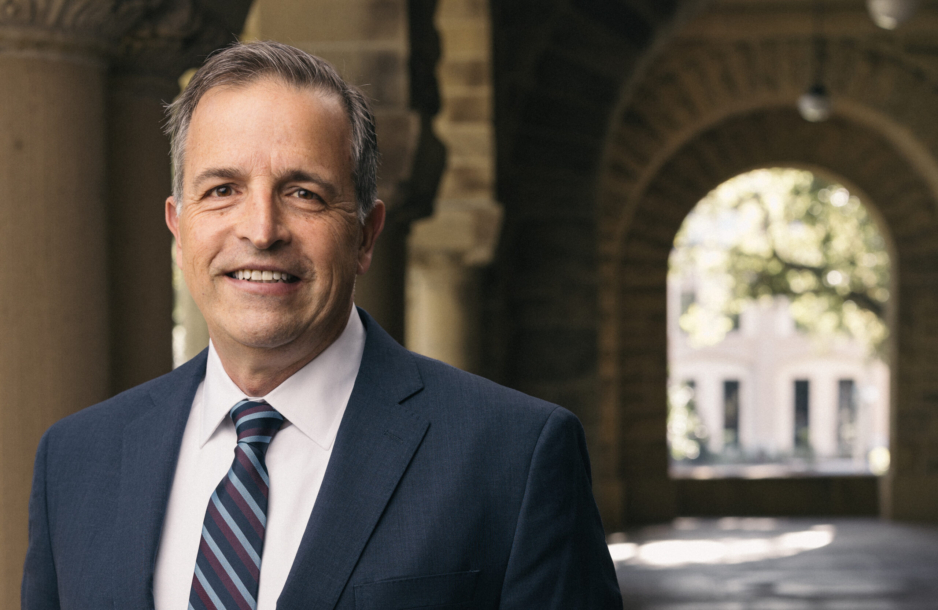
There’s just so much energy and enthusiasm and intelligence at this place. People don’t just talk about problems. They find a way to fix it. They start a pro bono that’s helping veterans find jobs or helping victims of human trafficking.
James Barton, JD ’15
I am a/an...
SLS Degree Programs
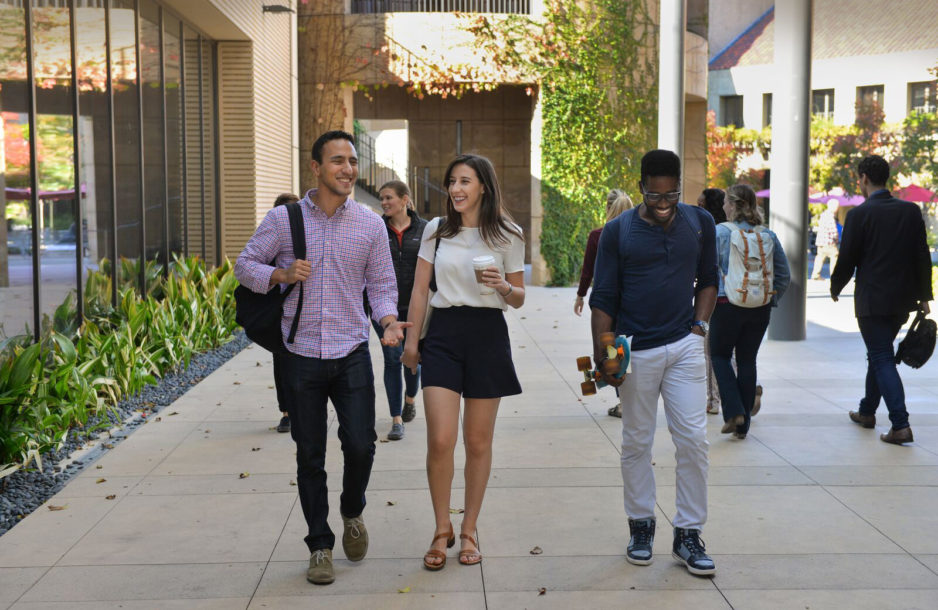
Join a diverse and inclusive community shaped by a commitment to the future.

Join a diverse and inclusive community shaped by a commitment to the future.
Learn more
A hallmark of Stanford University and a distinct strength of Stanford Law, where students can explore the many ways law intersects with other fields.
Learn more
One-year master's degree programs and a doctoral degree (JSD) for international graduate students who have earned a law degree outside the United States.
Learn more
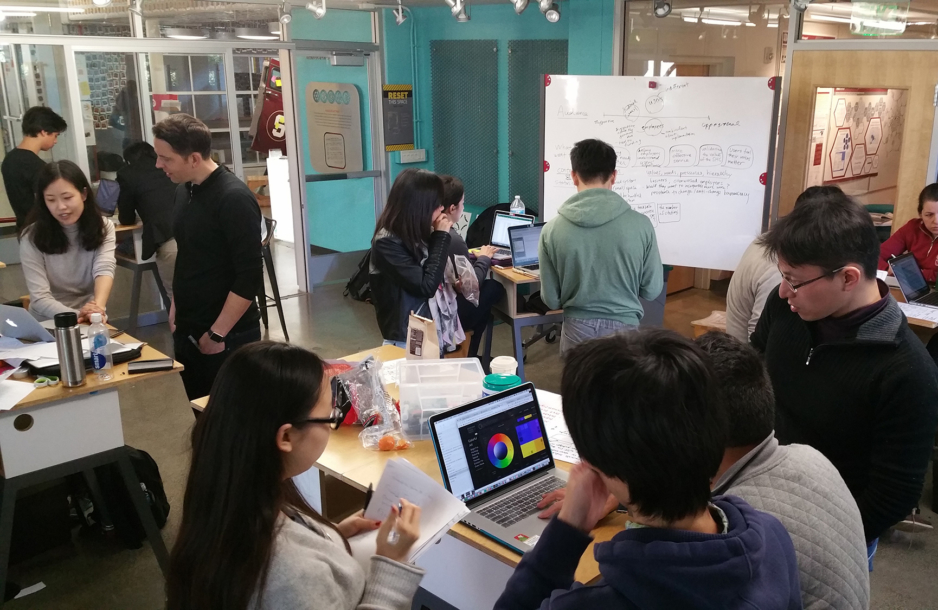
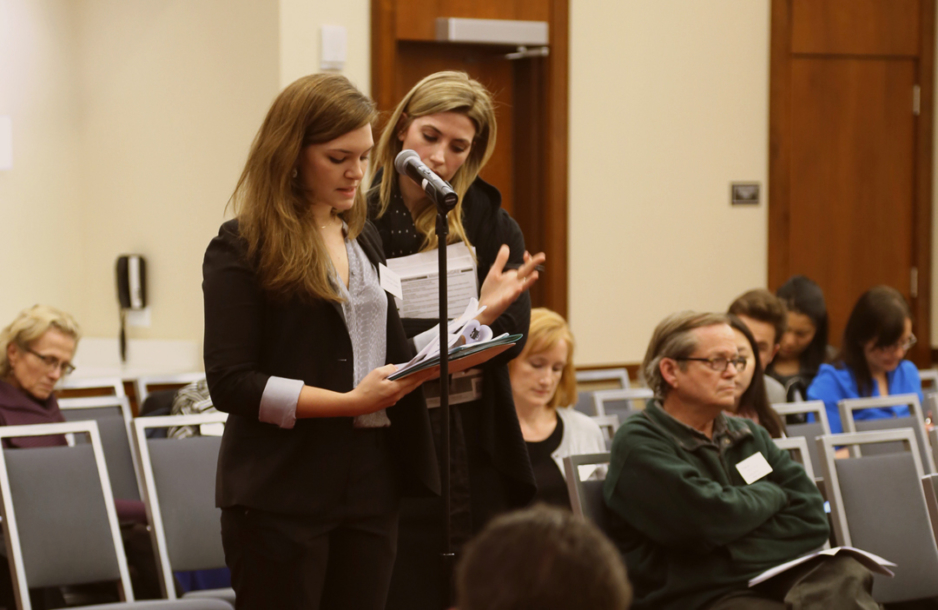

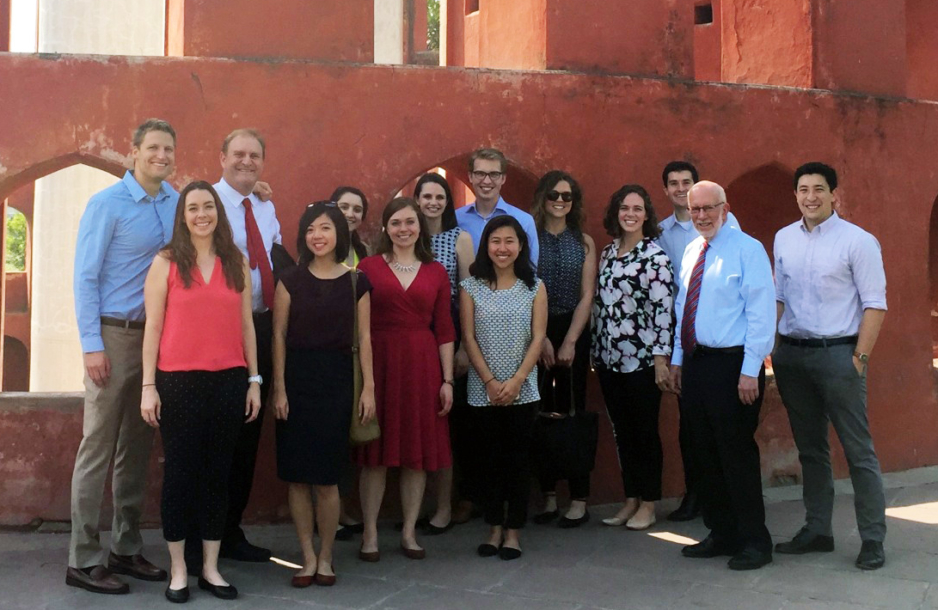
SLS Students Share Their Stories

Connect with Us



“Our hope is to work closely with Senegalese civil society groups to analyze systemic challenges to democracy there and to propose avenues for reform,” said SLS Professor and the Executive Director of the Rule of Impact Lab, Amrit Singh, in a profile by The Stanford Daily.
On March 24,... Bassirou Diomaye Faye, a Senegalese politician and opposition leader, won the election for the presidency, marking him as the youngest president in Senegalese history. Prior to his election, Stanford Law School's Rule of Impact Lab fought for the free election by filing a lawsuit in January against the internet shutdowns of summer 2023.
https://stanford.io/3W6t8tb

The first #earthday🌎 on April 22, 1970 rallied an estimated 20 million demonstrators and crystallized the environmental movement. Preparations were lead by SLS alum Denis Hayes, '69 JD'85, who has been honored many times as a hero of environmental activism.

This spring, the Stanford Criminal Justice Center and the Institute of Criminal Law and Criminal Justice at the University of Gottingen are partnering on a seminar titled "Police and Prisons: German and American Approaches to Reform and Abolition (2030)" for Stanford Law School students ...and Gottingen students.
The seminar examines the legal systems in the U.S. and Germany and utilizes a comparative study of debates over criminal justice reform in the two systems. Currently, six Stanford Law School students (pictured below) are taking the seminar under the instruction of SLS's Debbie Mukamal, David Sklansky, and Robert Weisberg along with six Gottingen students via Zoom. The joint class facilitates an invaluable opportunity for students interested in criminal justice reform at both universities to collaborate and learn from one another.

Last weekend was the inaugural “Order on the Court” basketball game, where sixteen of SLS’s fiercest students took on Berkeley Law’s squad under the fearless leadership of Coaches David Engstrom and Jeffrey Fisher. This was the start of a great tradition to foster community across the Bay ...as well as supporting Public Interest students, including 3L bar grants and student-run pro bono initiatives at both schools.