



“Innovation” and “interdisciplinary” approaches are not brochure buzzwords for SLS, but galvanizing principles evident in the law school’s steadfast commitment to forging new frontiers.
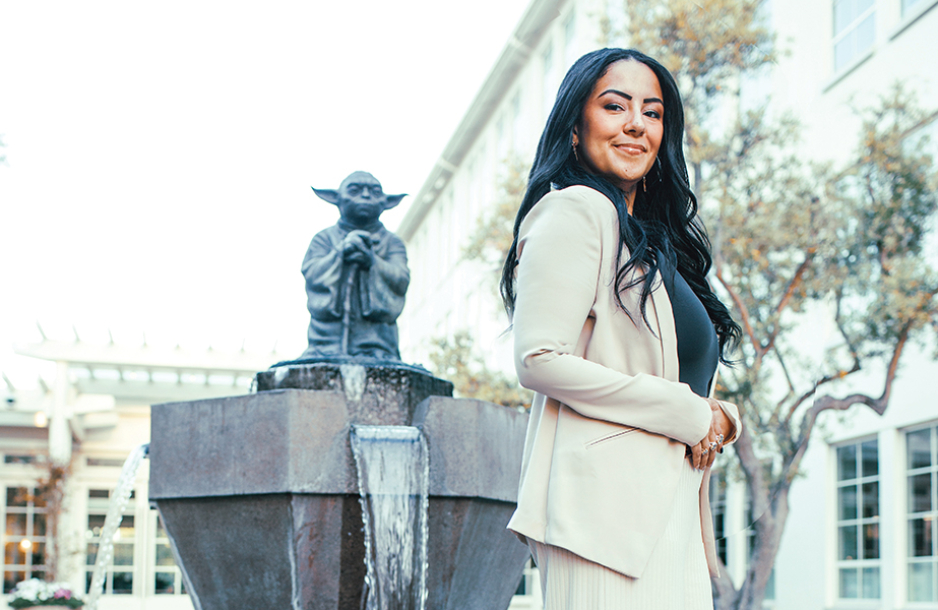
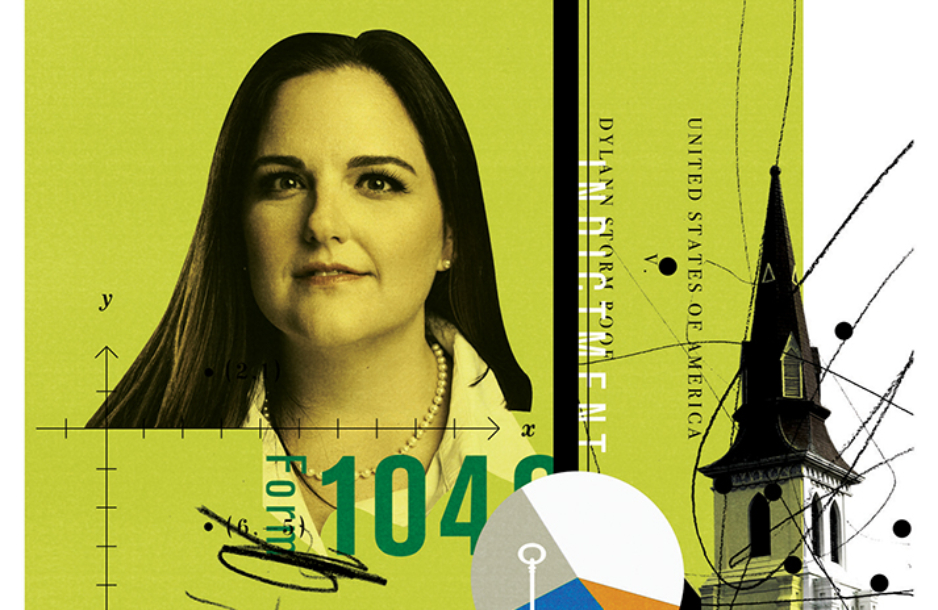
Rayne Sullivan, JD ’23
I am a/an...
SLS Degree Programs
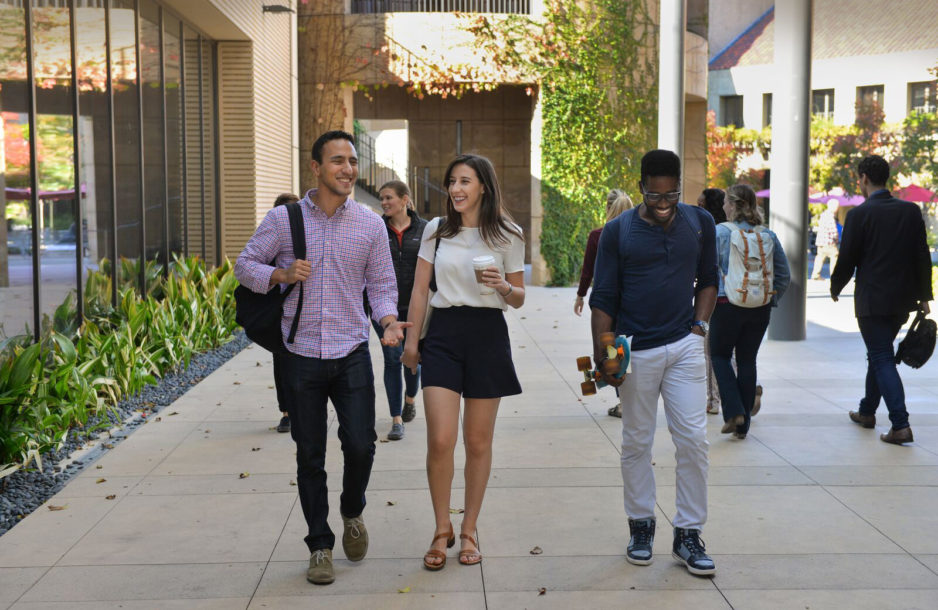
Join a diverse and inclusive community shaped by a commitment to the future.

Join a diverse and inclusive community shaped by a commitment to the future.
Learn more
A hallmark of Stanford University and a distinct strength of Stanford Law, where students can explore the many ways law intersects with other fields.
Learn more
One-year master's degree programs and a doctoral degree (JSD) for international graduate students who have earned a law degree outside the United States.
Learn more

In Focus




Connect with Us



Join us tomorrow from 10:30-1:00 PM PST for an important live-streamed discussion on the current threats to judicial independence in Mexico, focusing on the impacts of recent constitutional reform proposals. This event is organized in a hybrid format at the Instituto de Investigaciones Jurídicas, ...UNAM.
Adriana García from SLS's Rule of Law Impact Lab will discuss the findings from their recent report "A Threat to Judicial Independence: Analysis of the Constitutional." Tune in on IIJ media accounts: https://stanford.io/3UvXToV, https://stanford.io/4drhBee, https://stanford.io/3Ux1kvu, https://stanford.io/3JPwfyc, https://stanford.io/4dtlzTp
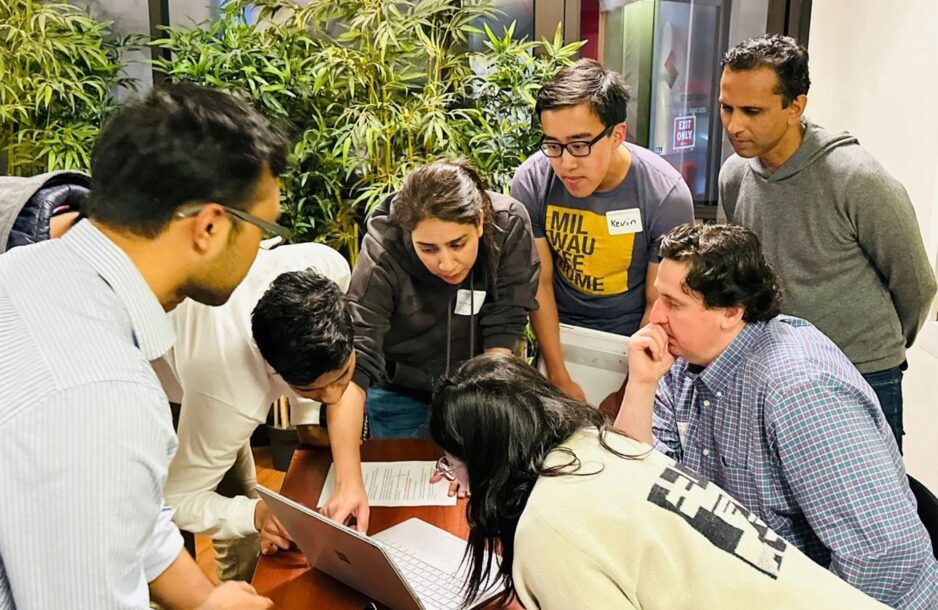
On April 6th, FutureLaw Week, "the ever-expanding, premier industry-and-academia event" that examines the intersection of law and technology, kicked off at Stanford Law School. Organized by Stanford's Center for Legal Informatics (CodeX), the event had panels on topics such as ...“Hybrid Legal Intelligence: Bridging the Neuro-Symbolic Divide” and “Generative AI and Intellectual Property." 200 people attended the all-day conference in Paul Brest Hall on April 11th.
“FutureLaw always feels like a homecoming for people in the law and tech community,” said Megan Ma, Associate Director of the Stanford Program in Law, Science, and Technology, CodeX Fellow, and co-organizer of and presenter at FutureLaw. “There is this tremendous excitement every year that just gets stronger,” said Roland Vogl, the conference's organizer and co-founder and executive director of CodeX.
https://stanford.io/4a4Avo4

SLS's Rule of Law Impact Lab, Barra Mexicana, Colegio de Abogados AC, & the Inter-American Dialogue conclude Mexico's Constitutional Reform proposals directed at the federal judiciary constitute a threat to judicial independence, violate international legal standards, & undermine ...democracy in Mexico.
Read more: https://stanford.io/4a8dEbf
---
El Laboratorio de Impacto sobre el Estado de Derecho de la Escuela de Derecho de la Universidad de Stanford, Barra Mexicana, Colegio de Abogados AC, y el Programa de Estado de Derecho del Diálogo Interamericano concluyen que las propuestas de Reforma Constitucional de México dirigidas al poder judicial federal constituyen una amenaza a la independencia judicial, violan los estándares legales internacionales, y socavan la democracia en México.
Leer más: https://stanford.io/4a2G7zr

Last week was the annual Staff vs. Students Softball Game out on Wilbur Field! This year the students won after a two year winning streak for the staff team ⚾️🧢